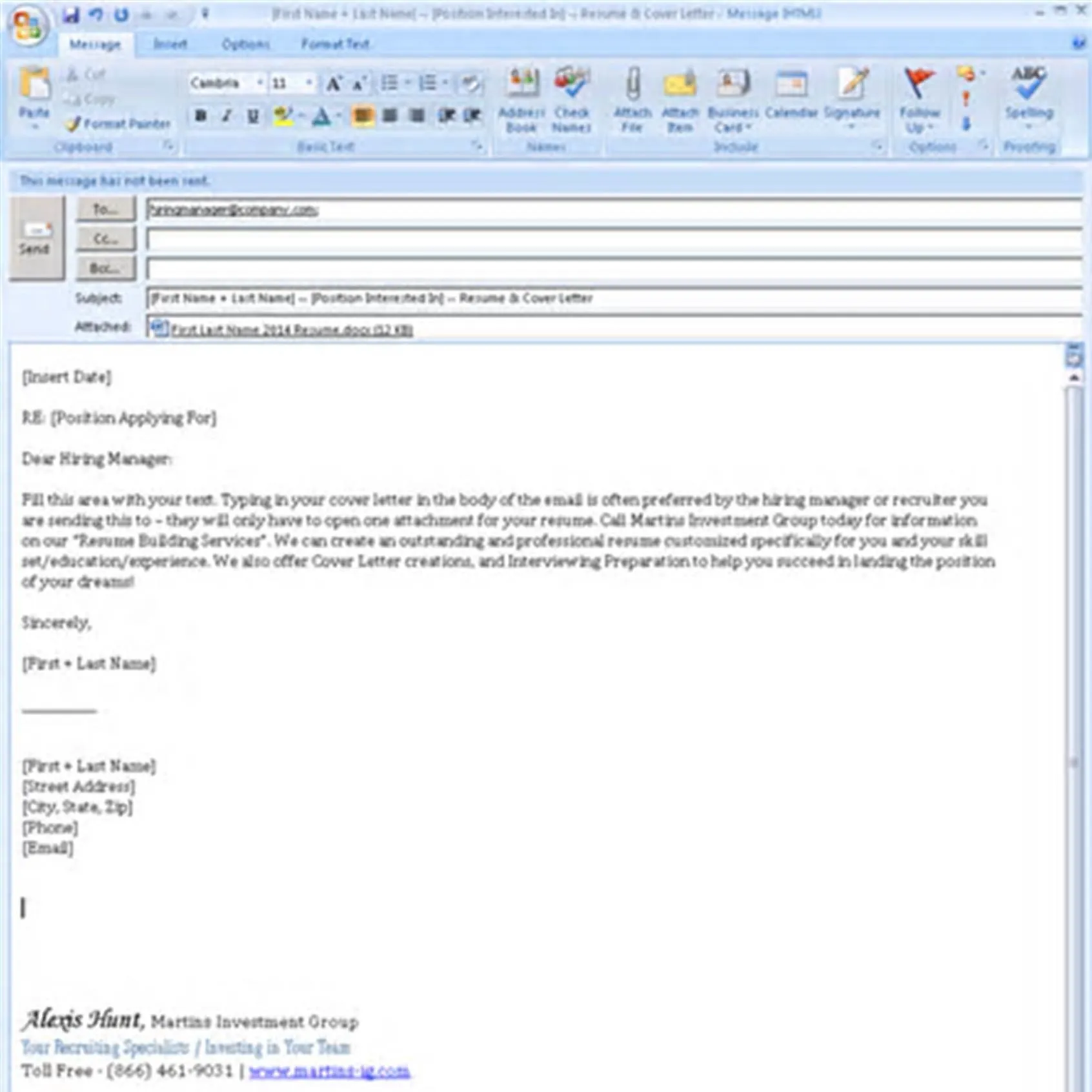
Crafting the Perfect Email Subject Line
The subject line is the first thing a hiring manager sees, making it crucial for grabbing their attention and ensuring your email gets opened. A clear, concise, and professional subject line immediately tells the recipient what the email is about. Avoid generic phrases like “Resume” or “Job Application.” Instead, include the job title and your name. For example, use “[Job Title] Application - [Your Name]” or “Resume for [Job Title] - [Your Name]”. This helps the hiring manager quickly identify the purpose of the email and file it appropriately. Make sure your subject line is specific to the job you’re applying for, and always double-check for any typos or errors. This small detail can significantly impact the first impression you make and increase the chances of your application being reviewed.
Highlighting Your Key Skills
In the body of your email, briefly introduce yourself and highlight your key skills and experiences relevant to the job. This isn’t a place to repeat your entire resume, but rather a concise summary that encourages the reader to open the attachments. Tailor this section to the specific job description, emphasizing the skills and experiences that the employer is looking for. Mentioning specific achievements or projects can further demonstrate your qualifications and set you apart from other applicants. Keep it brief—no more than 3-4 sentences. Make sure to align your skills and experience with the job requirements to show the hiring manager that you understand the role and can contribute meaningfully. Consider using action verbs to describe your accomplishments, making your email body more dynamic and engaging. For instance, instead of saying “Responsible for project management”, you could say “Managed and successfully delivered projects…”
Formatting Your Resume and Cover Letter

The formatting of your resume and cover letter should be clean, professional, and easy to read. Choose a standard font like Arial, Calibri, or Times New Roman in a readable size (11-12 points). Use consistent formatting throughout both documents, including headings, bullet points, and spacing. Avoid excessive use of colors, graphics, or elaborate designs, as they can distract from the content and may not be displayed correctly on all devices. The goal is to present a polished and organized document that is easy for the hiring manager to review. Ensure that your margins are consistent, and the text is left-aligned, unless there’s a specific reason to do otherwise. Always proofread the formatting to eliminate any inconsistencies or errors. A well-formatted resume and cover letter reflect attention to detail and professionalism, making a positive impression on potential employers. Consider using a professional template to ensure consistency and a polished look.
Choosing the Right File Format
When saving your resume and cover letter, always use PDF (Portable Document Format). PDFs preserve the formatting of your documents, ensuring that they look the same on any device or operating system. This is especially important because different word processing software may render the documents differently. PDF files also prevent the recipient from accidentally making changes to your documents. Avoid using formats like .doc or .docx unless specifically requested by the employer. When saving, use a clear and descriptive file name, such as “[Your Name] - Resume.pdf” and “[Your Name] - Cover Letter.pdf”. This helps the hiring manager easily identify your documents. By using the correct file format, you ensure that your documents are accessible and look professional, enhancing your chances of making a good first impression. Always double-check that your files open correctly before sending.
Attaching Your Documents Correctly
Attaching your resume and cover letter correctly is a critical step. Always double-check that you’ve attached the correct files before sending the email. It’s also good practice to send a test email to yourself to ensure the attachments open and display correctly. Make sure the attachments are clearly labeled and easy to identify. Do not embed the resume or cover letter directly into the body of the email, always send them as separate attachments. Be sure to mention the attachments in your email body to provide a clear context. For example, “Please find attached my resume and cover letter for your review.” This small detail shows the recipient that you have been thoughtful in your application process. Always include both documents, even if the job posting only requires a resume. Finally, avoid sending large attachments to prevent issues with email servers or recipient’s inbox limits.
Writing a Compelling Email Body

The email body is your chance to make a strong first impression. Keep it concise and professional, directly addressing the hiring manager or the person specified in the job posting. Start with a polite greeting, such as “Dear [Hiring Manager Name]” or “Dear [Mr./Ms. Last Name]”. State the position you are applying for and where you found the job posting. Briefly highlight your relevant skills and experience, and express your enthusiasm for the opportunity. Summarize your key qualifications and explain why you are a good fit for the role. Include a call to action, such as encouraging them to review your resume or inviting them to contact you for an interview. Always thank the recipient for their time and consideration. Proofread the email body for any errors in grammar or spelling. Remember, the email body serves as a preview of your application, so make it compelling enough to make the reader want to learn more.
Proofreading for Errors
Thorough proofreading is essential to ensure your email, resume, and cover letter are free of errors. Errors can create a negative impression and undermine your credibility. Before sending, carefully review your email body, subject line, resume, and cover letter for any grammatical mistakes, typos, or formatting issues. Read your documents aloud to catch any awkward phrasing or sentences that don’t flow smoothly. Consider using grammar and spell-check tools, but don’t rely on them completely. Always double-check the information for accuracy, including names, dates, and contact details. If possible, ask a friend, family member, or career advisor to review your documents and give you feedback. A fresh pair of eyes can often catch errors you might have missed. Proofreading is a crucial step in the job application process, so take the time to ensure that your application reflects your professionalism and attention to detail.
Sending at the Right Time
Timing can influence how your application is received. Send your email during business hours, preferably in the middle of the week (Tuesday, Wednesday, or Thursday). Avoid sending emails late at night or on weekends unless specifically instructed otherwise. Researching the company’s work culture can help you tailor your email timing to their norms. If the job posting specifies a deadline, be sure to submit your application well before it. Sending it too early can be risky, as the hiring manager might not review applications until later. But submitting it too late risks missing the deadline entirely. A well-timed email can increase your chances of your application being seen. By following this tip, you show that you are aware of the process and respect their time. Also, be mindful of time zones if applying to companies in different locations.
Following Up After Submission

Following up after submitting your application demonstrates your interest and initiative. If you haven’t heard back within a reasonable timeframe (typically one to two weeks), it’s appropriate to send a brief follow-up email. Keep the follow-up concise, politely referencing your application and reiterating your interest in the role. Avoid being pushy or demanding; instead, express your eagerness to learn about the status of your application. Reiterate your enthusiasm and thank the hiring manager for their consideration. Always proofread your follow-up email for any errors before sending. Following up is a professional courtesy that can remind the hiring manager of your application. It also allows you to reaffirm your interest, leaving a positive and lasting impression. However, respect the hiring manager’s time and avoid sending multiple follow-up emails.